Purpose/Overview
The Management Overview feature provides a centralized dashboard to view and manage all projects and task tickets in one place. It is designed to give users quick access to project details while also allowing them to track assigned tasks efficiently.
This feature helps eliminate the need to navigate across multiple sections by consolidating project summaries and task information into a single interface. It is particularly useful for project managers, coordinators, and team members who need visibility into ongoing work and responsibilities.
Navigation Path:
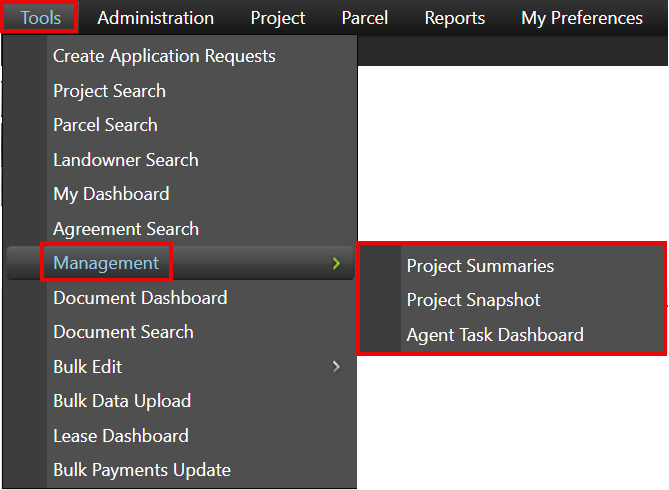
To access this feature: Tools > Management
Things to Know:
- Access to the Management section may depend on user roles and permissions.
- The data displayed (projects and task tickets) is typically filtered based on user access and assignments.
- The dashboard provides summarized views, so users may need to drill down into individual projects for detailed information.
Key Benefits/Use Cases:
- Centralized Project Visibility: Users can view all project-related information in one place, reducing time spent navigating across different modules.
- Task Tracking: Quickly identify and monitor all task tickets assigned, helping ensure timely completion and accountability.
- Efficient Decision Making: Summarized dashboards provide insights that help users quickly assess project status and take necessary actions.
How It Works:
Follow these steps to access and use the Management Overview:
Step 1: Navigate to Tools > Management.
Step 2: View the available dashboards within the Management section.
Step 3: Select the required dashboard to analyze project and task details.
Dashboard Types
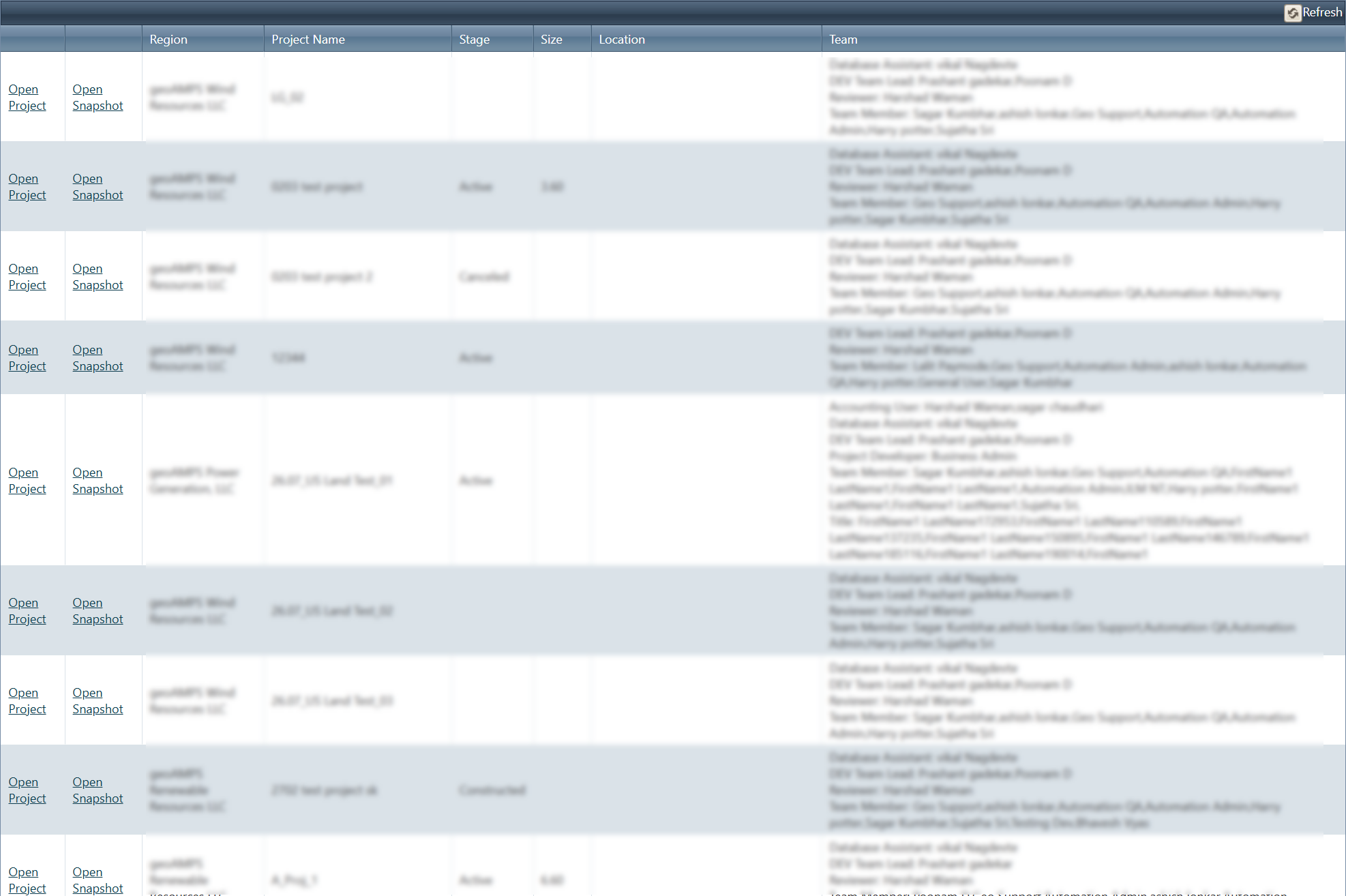
The Project Summaries dashboard allows users to view a complete list of projects along with their details. Users can directly access individual projects for further actions or review.
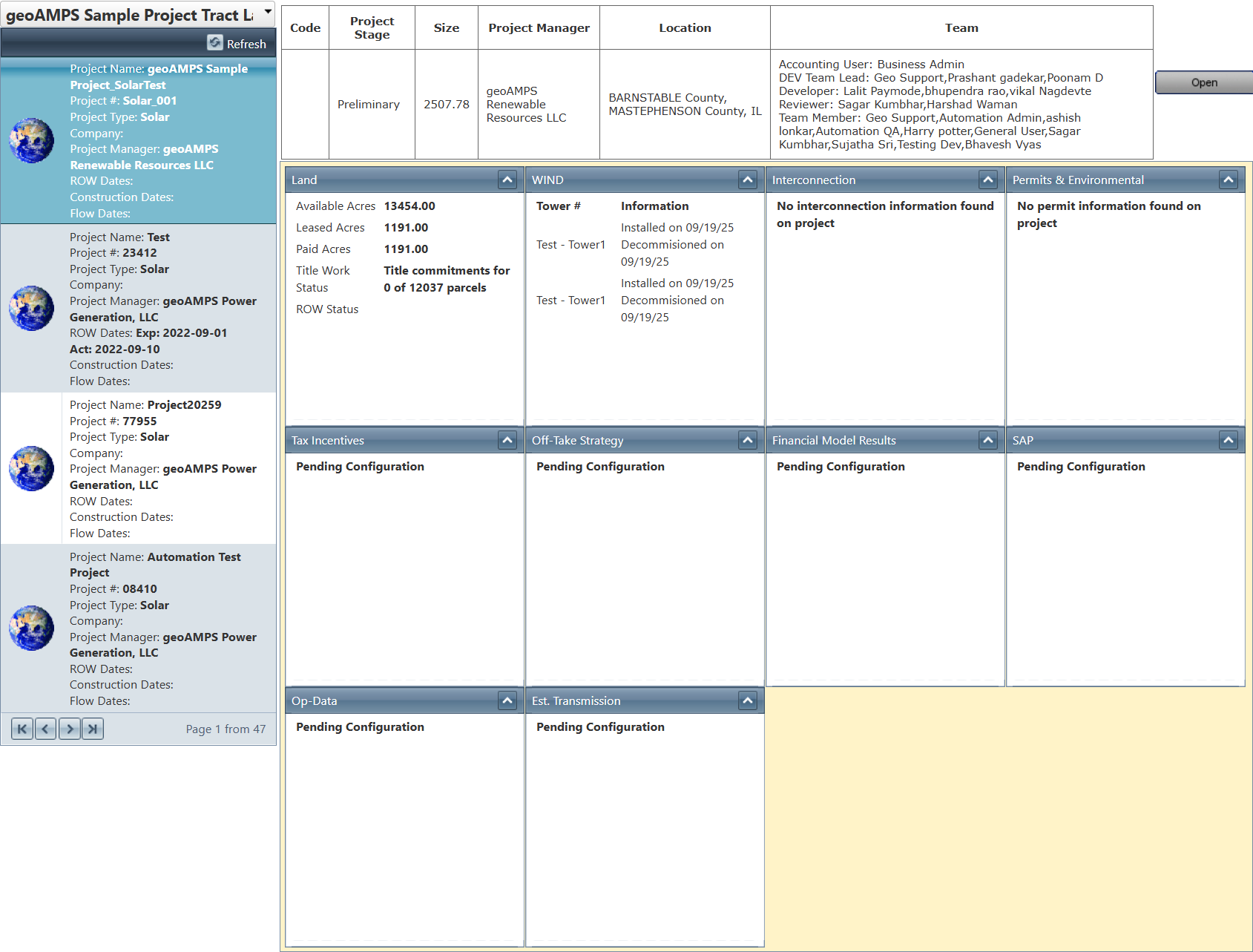
The Project Snapshot dashboard provides a concise and high-level summary of project information, enabling users to quickly understand the overall status and key metrics.
Related Features/Next Steps:
FAQ/Troubleshooting:
Q: Why can’t I see certain projects in the Management dashboard?
A: This may be due to role-based access restrictions. Ensure you have the required permissions to view those projects.
Q: Can I access detailed project information from the dashboard?
A: Yes, you can navigate directly to individual projects from the Project Summaries dashboard.
Q: What is the difference between Project Summaries and Project Snapshot?
A: Project Summaries provides detailed project listings, while Project Snapshot offers a high-level overview of project information.
Questions? Contact us!

Was this article helpful?
That’s Great!
Thank you for your feedback
Sorry! We couldn't be helpful
Thank you for your feedback
Feedback sent
We appreciate your effort and will try to fix the article